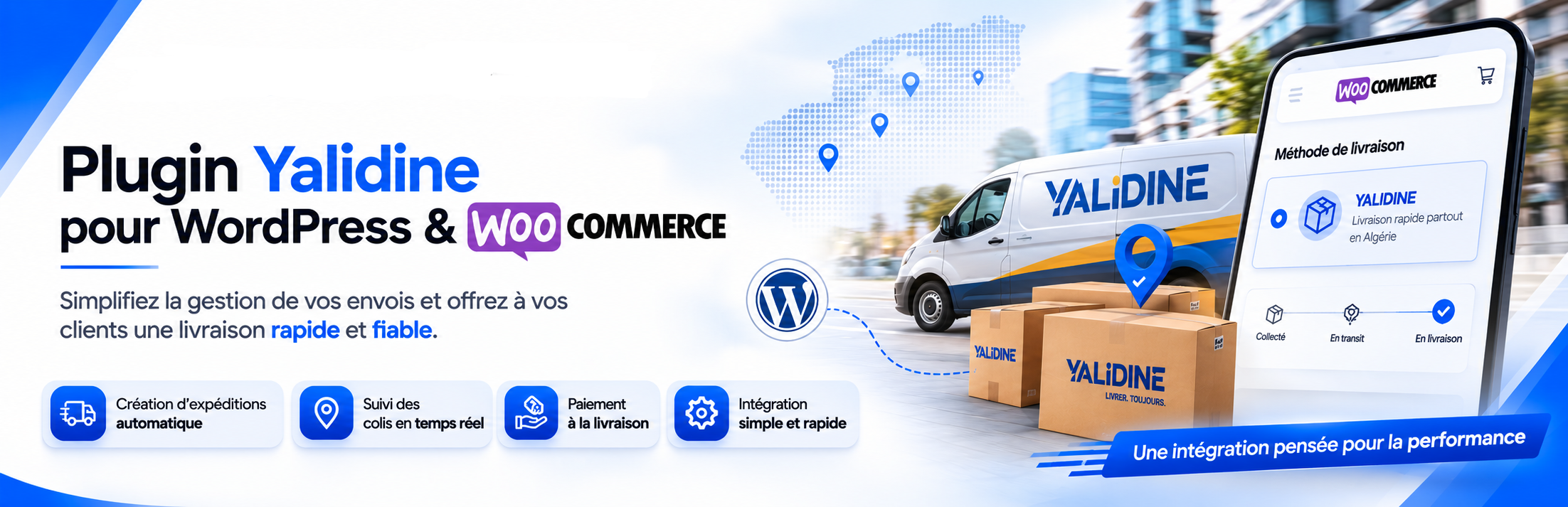

Description
Createk Delivery for Yalidine is developed by Createk Solution. It integrates your store with the Yalidine delivery API used in Algeria.
Full product page, features, pricing and demo: https://createksolution.com/yalidine-woocommerce-plugin/
This plugin is a third-party, unofficial integration. It is not affiliated with, endorsed by, or an official product of Yalidine El Djazaïr Service. You need your own Yalidine merchant account and API credentials (API ID and Token).
Features
- Multi-step setup wizard (API ID, token, sender wilaya, delivery options)
- Checkout fields: full name, region (wilaya), commune, phone, email
- Delivery modes: home delivery or stop desk
- Live shipping fees from the Yalidine Fees API (included in the WooCommerce order total)
- Admin tools: send parcels to Yalidine from orders and download bordereaux
External services
This plugin connects to the Yalidine Express API (https://api.yalidine.app/v1/), operated by Yalidine El Djazaïr Service. It is required to:
- Load wilayas, communes, and stop-desk centers
- Calculate delivery fees at checkout
- Create parcels and retrieve shipping labels (bordereaux) when an admin sends an order
What data is sent and when
- At checkout (fee calculation / locality lists): destination wilaya and commune identifiers, and your configured sender wilaya. Customer contact details are not sent solely for fee lookup.
- When an admin clicks “Send to Yalidine” on an order: parcel data required by their API (customer name, phone, destination wilaya/commune, product description, price / COD amount, dimensions, delivery type, stop-desk id if applicable).
No data is sent to Createk Solution. API calls are made only to Yalidine when credentials are configured and checkout/shipping/admin features are used.
Service links
- Website: https://www.yalidine.com/
- Merchant / API dashboard: https://yalidine.app
- Privacy Policy: https://www.yalidine.com/assets/docs/politique_confidentialite_yalidine.pdf
- Transport / prohibited items (service conditions): https://www.yalidine.com/assets/docs/produits_interdits.pdf
- Account terms: accepted in the Yalidine merchant account (https://yalidine.app); contact Yalidine for the full commercial / transport contract applicable to your account.
Createk Solution contact: plugin landing page — phone 0557 27 05 39
Requirements
- WordPress 5.8+
- WooCommerce 5.0+
- A Yalidine merchant account with API ID and API Token
- Shipping to Algeria (DZ)
Installation
- Upload the plugin folder to
/wp-content/plugins/or install the ZIP via Plugins Add New Upload Plugin. - Activate Createk Delivery for Yalidine.
- Ensure WooCommerce is installed and active.
- Complete the setup wizard, or go to WooCommerce Createk Delivery.
- Confirm the Createk Delivery shipping method is available for Algeria (WooCommerce Settings Shipping).
- Test checkout, then send a test parcel from an order in the admin.
FAQ
-
Do I need a Yalidine account?
-
Yes. Generate an API ID and API Token from the Yalidine developer dashboard, then enter them in the plugin settings or setup wizard.
-
Is this an official Yalidine plugin?
-
No. This integration is developed and maintained by Createk Solution and is not an official Yalidine product.
-
When you click “Send to Yalidine” on an order, the plugin sends parcel data required by their API. Checkout fee calculation uses destination wilaya/commune and your configured sender wilaya. See External services above.
-
Where can I get support?
-
- Plugin page: https://createksolution.com/yalidine-woocommerce-plugin/
- Phone: 0557 27 05 39
- WordPress.org support forum for this plugin
Reviews
There are no reviews for this plugin.
Contributors & Developers
“Createk Delivery for Yalidine” is open source software. The following people have contributed to this plugin.
Contributors
Translate “Createk Delivery for Yalidine” into your language.
Interested in development?
Browse the code, check out the SVN repository, or subscribe to the development log by RSS.
Changelog
1.2.2
- Checkout wilaya/commune selectors and delivery styles load correctly again
- When you send a parcel to Yalidine, the COD amount is products only — delivery is no longer counted twice
1.2.1
- Plugin renamed for WordPress.org guidelines (clearer store listing name)
1.2.0
- Clearer branding as Createk Delivery for Yalidine
- Privacy and Yalidine service links documented for shop owners
- More reliable admin settings screen
1.1.1
- Delivery fee now appears in the checkout order total
1.1.0
- First WordPress.org-ready release with setup, checkout, and parcel tools
1.0.0
- Initial release